Text-based icon font size

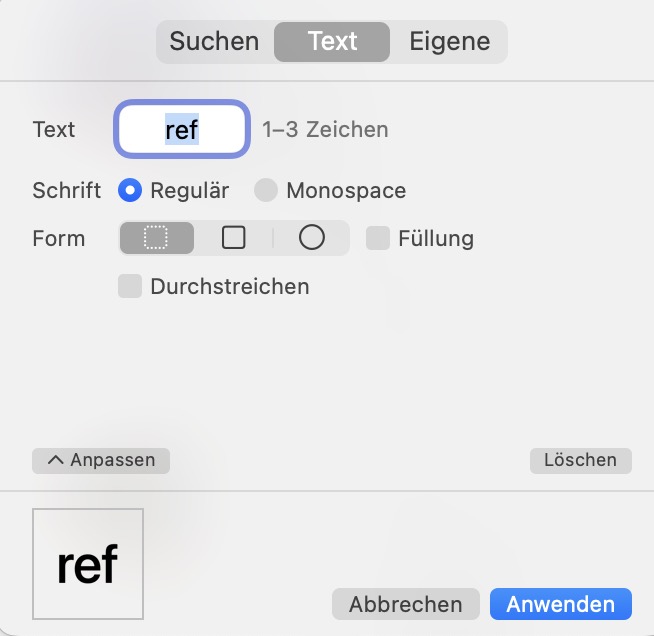
I am happy about the new beta and will write more later. One question: has there been a change regarding the number of letters in the icon? These do not work anymore:

icon: monospaced <ref>
icon: monospaced <nw>

(PS: Separate thread for each beta?)

As far as my addled brain can remember, it’s always been a maximum of three letters.

Which version were you using where 5 letters worked? :thinking:

(Just checked the code and this line has been there since 2022…)

    if (characterCount < 1 || characterCount > 3) {
        [self failWithErrorCode:PopIconErrorCodeInvalidSpecifier];
        return;
    }

Unless that used to work by some kind of bug which got fixed :grin:

Now … I am thinking there may have been some old format (WAAAAY back in the early weeks of Snippets rollout) where we could use brackets. Possibly it was square brackets for “square”, round brackets for “circle”, and maybe the angle brackets did “search”? I did take that out at some point I think since it was never formally documented.

It worked with the latest version until yesterday :wink:

Naughty PopClip! It wasn’t supposed to. In 2025.9.2, it just comes up as an invalid (blank) icon for me. I’ve no idea how you managed to get it to display a five-character icon :grin:. (The text would be very small…) Needless to say, this is something which will not be “fixed”!

I implemented it when extension snippets were released and it worked without interface glitches all the time. The result of `ref` or any other three-character string is unfortunately barely legible in the PopClip bar in the beta version.

I’m really scratching my head because I haven’t changed anything about the way icons are rendered for this beta. I’ll look into it to see if anything changed by mistake!

@nick Did you have a look at the font size?

Yes, the rendering of the text icons in the beta is identical to that in the previous PopClip version 2025.9.2. A pixel exact match.

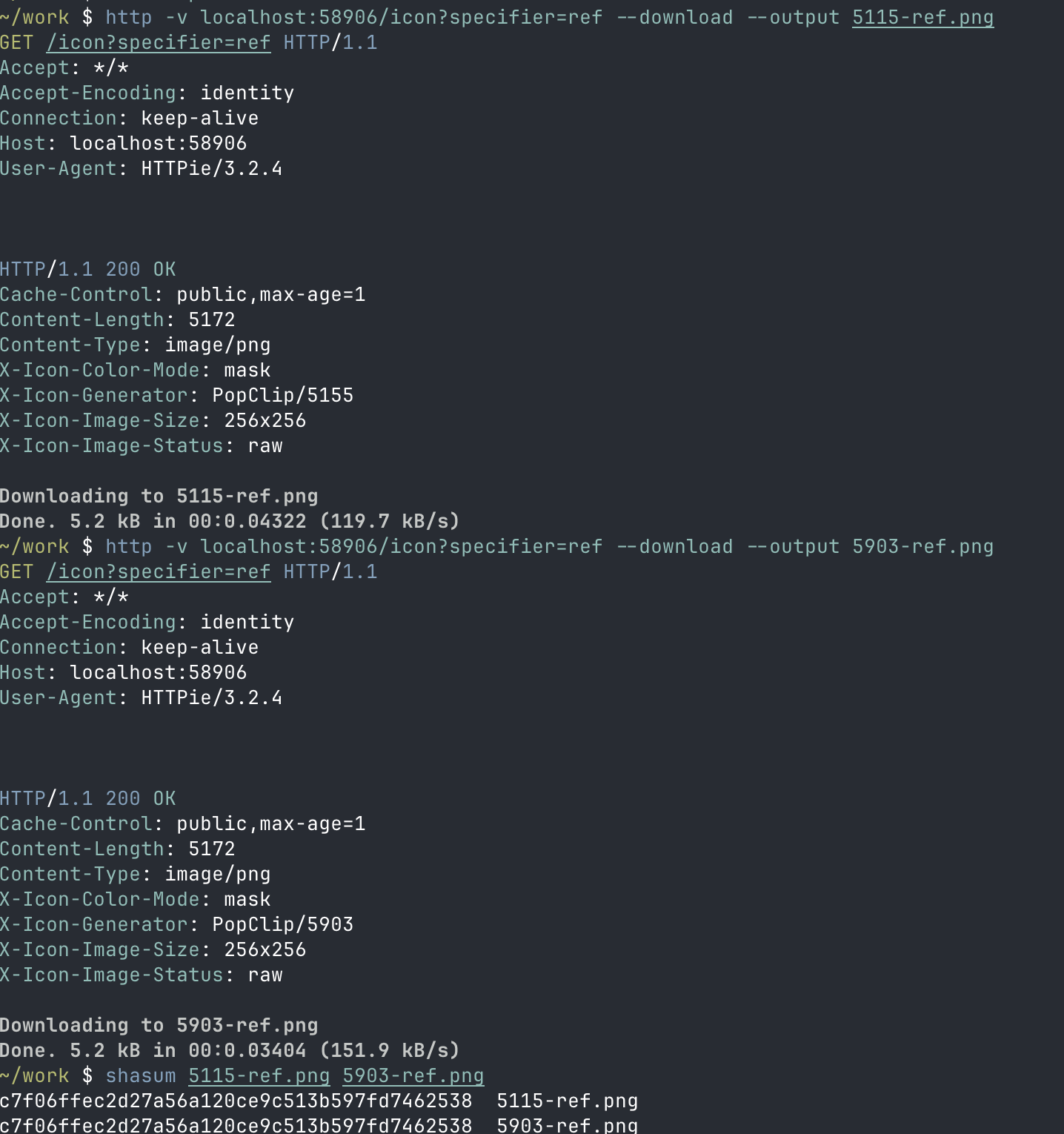
I verified this using PopClip’s built in icon server, accessible at http://localhost:58906/icon?specifier=<specifier> while PopClip is running.

Running 2025.9.2 and then Build 5115, the output PNG file was byte-for-byte identical.

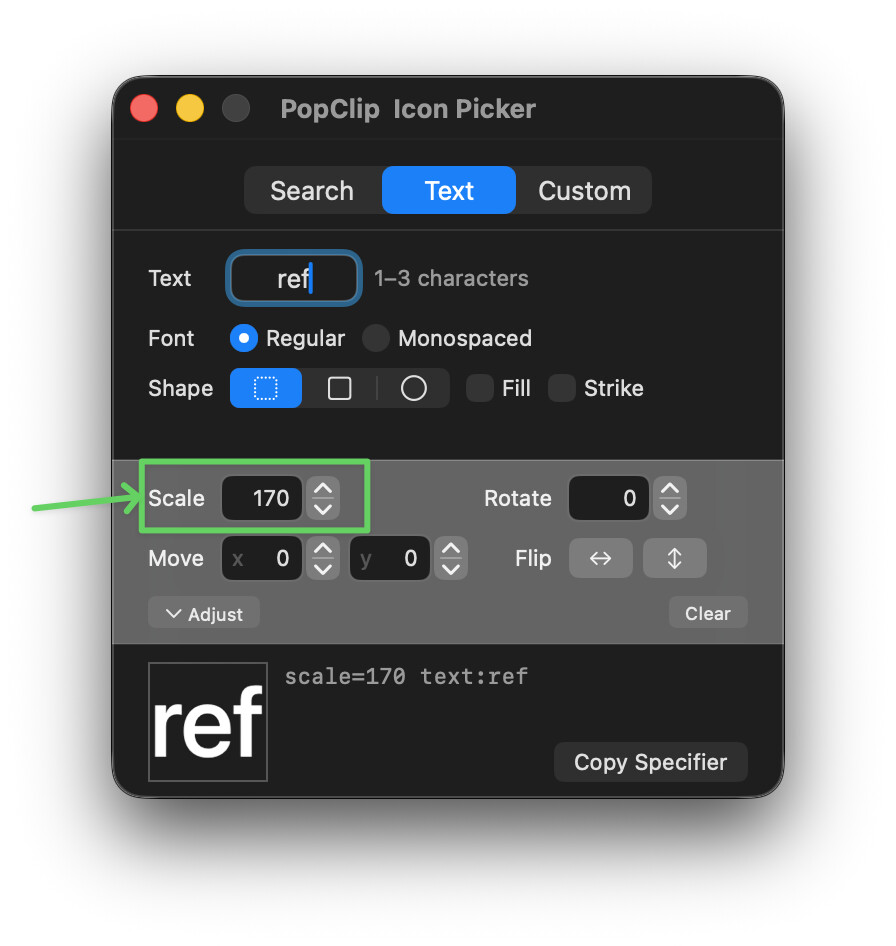
@Kolkrabe However, if the text is too small, you can just scale it up like this:

This is weird. Setting a text icon always gave me a perfectly readable text in the PopClip bar, now it is tiny and needs manual adjustment.

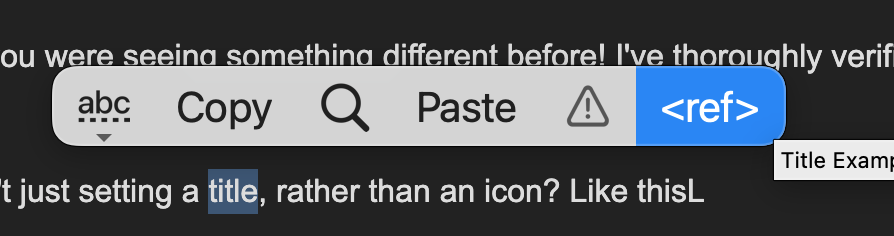
Are you sure you weren’t setting a title, rather than an icon? Like this:

e.g.

#popclip 
name: Title Example
action:
  title: "<ref>"
  javascript: popclip.showText("something to do with refs :)")