The current build I am on is 2025.9.1 (5132) standalone edition and MacOS 26.1 Beta (25B5042k)
Now I don’t know if this happened on updating to 5132 or because of updating to MacOS 26.1 Beta (25B5042k) but I think I can recall 2025.9.0 was working fine on MacOS 26.0 Public release (25A354).
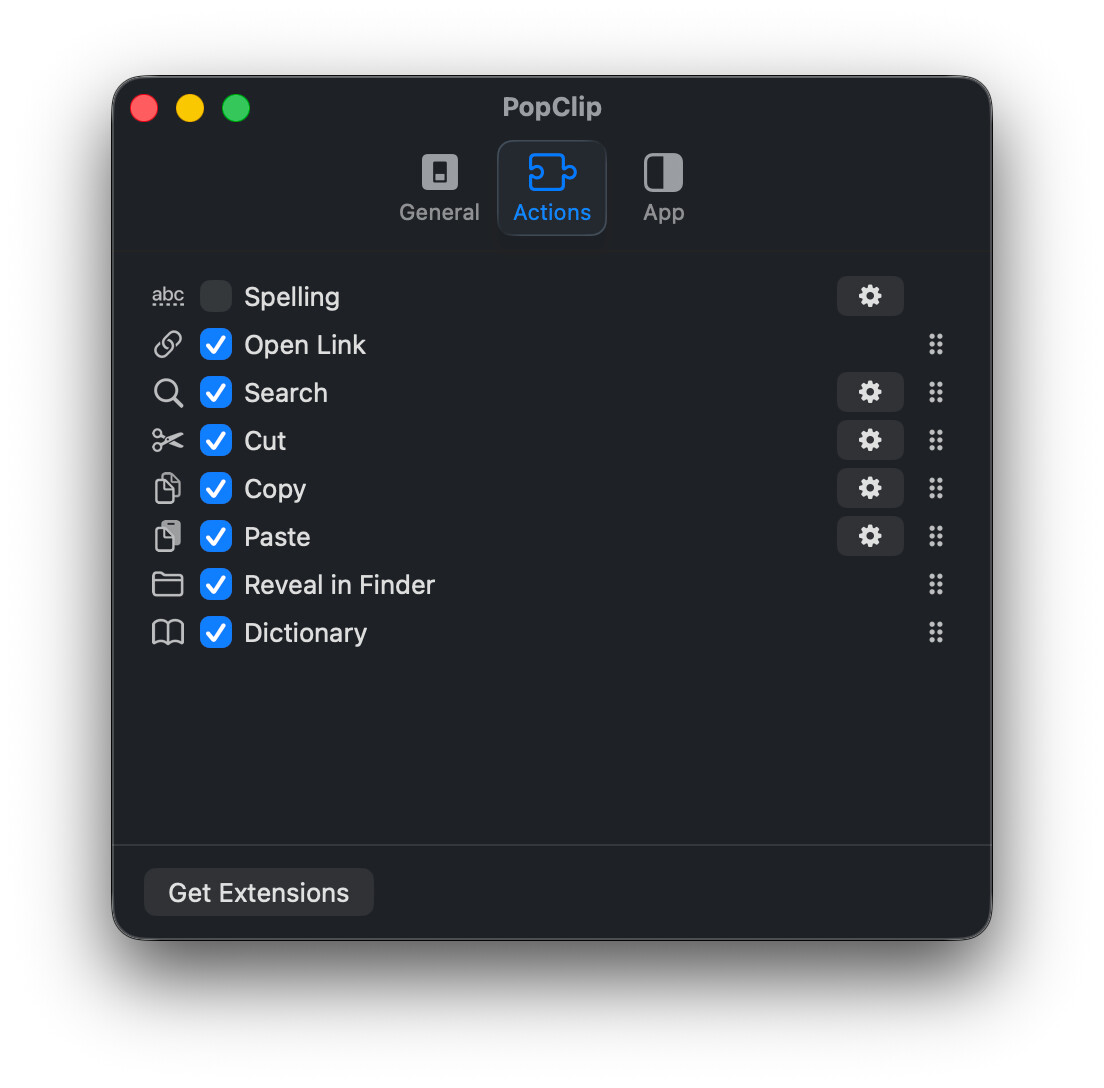
I had extension for google translate, base64 encode/decode, some brackets, 1 custom one I had made with some popclip extension generator that did text replacement. Those are the ones I can recall of the top of my head but I think I has like ~10 more
But it does seem to be something to do with upgrading MacOS from 26.0 (25A354) to 26.1 beta 1 (25B5042k)
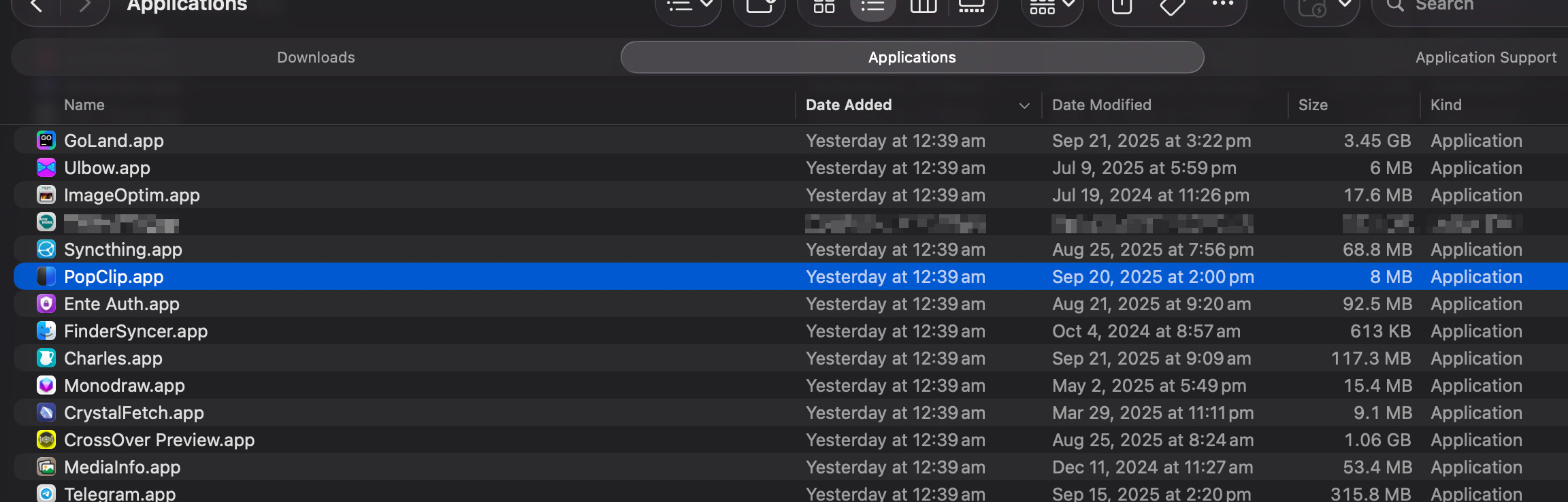
Something I noticed after upgrading MacOS yesterday is that the “Date Added” timestamp of all my apps in /Applications had been reset to 12:39am, that was the minute after MacOS completed upgrade and during startup.
Notice in the screenshot below that the ~/Library/Application Support/PopClip was created right 1 minute after that at 12:40am. The list is sorted by “Date Created” so PopClip seems to the only app affected by this
Thanks for the detailed investigation. It looks to me like something has deleted (or moved?) the ~/Application Support/PopClip folder and then PopClip has created a new one when it next launched.
As to what deleted it, that is quite the mystery.
I don’t believe PopClip contains any code even capable of deleting its own application support folder so I’m really stumped as to what happened here.
(This is the only code that touches the directory:)
		if (![fm fileExistsAtPath:asd isDirectory:&isDir]) {
			if ([fm createDirectoryAtPath:asd
			  withIntermediateDirectories:YES
							   attributes:nil
									error:NULL]) {
				result = asd;
			}
		}
I have also performed an upgrade from 26.0 to 26.1 beta and it all went like normal with no disruption to extensions.
Thanks for reporting this. As for your extensions, I can’t think of any way to get your extensions back exactly as they were since the original folder seems to be gone. So, you’ll need to reinstall them from the PopClip Extensions Directory or wherever you got them, if elsewhere.
I can most likely restore the extensions from my backups. Is the ~/Library/Application Support/PopClip the only folder that needs to be restored? Any other files in any other location?
I can never keep a consistent set of extensions since I’m always chopping and changing everything for testing! But I think my favourites are the simple classics like character count/word count, Translate tools (useful for support requests in many languages), and some of the developer tools (since I’m a developer )


 )
)