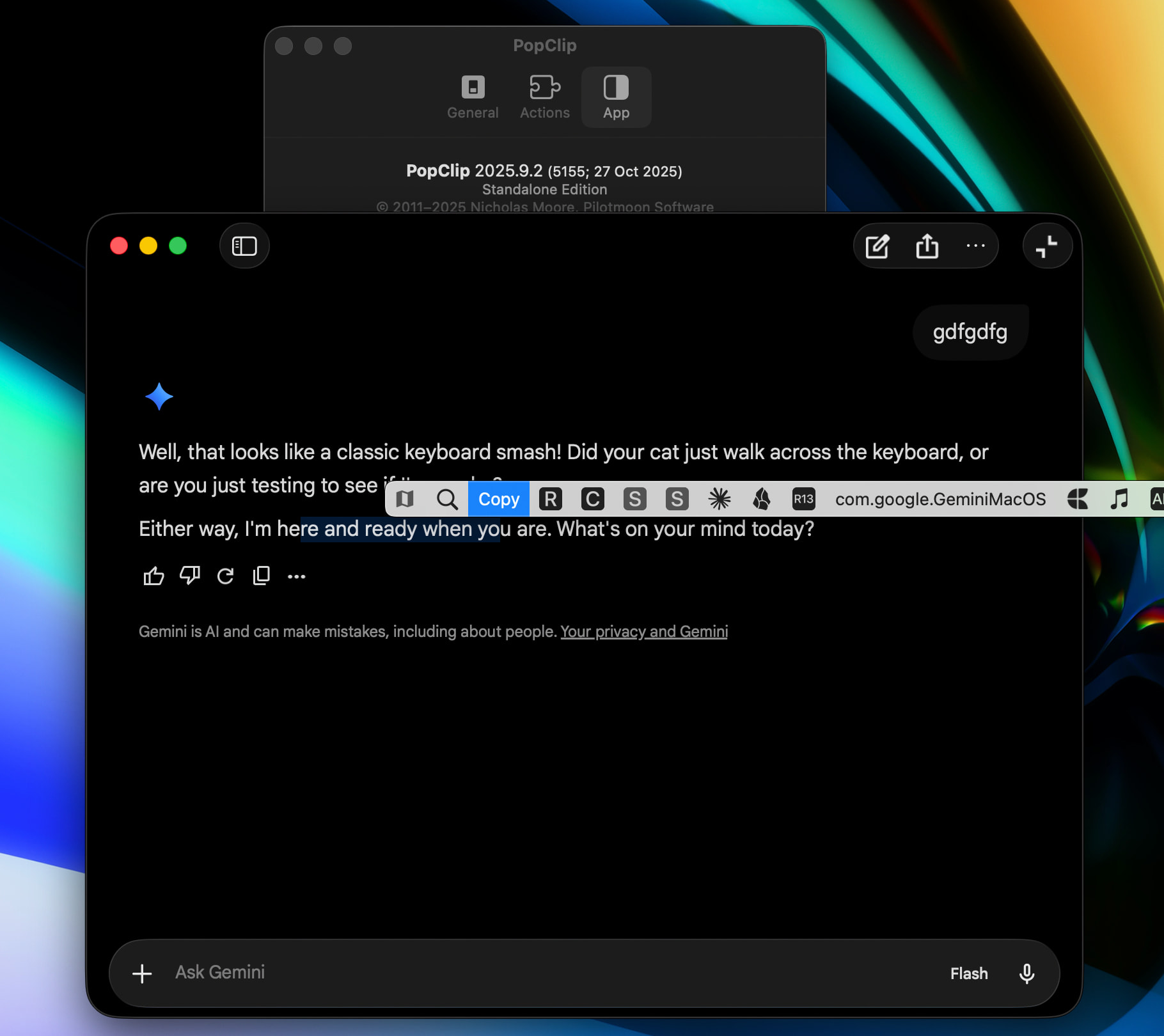
Description: Opens Google Gemini in the default browser and pastes the selected text.
Notes for Reviewer:
Why AppleScript? Gemini does not currently support a URL scheme to pre-fill the prompt (e.g., ?q=text does not work). Therefore, this extension uses AppleScript to open the URL and simulate Cmd+V to paste the selection.
Behavior: It performs a copy-selection first, opens https://gemini.google.com/app, waits 1.0 second for the tab to load/focus, and then pastes.
No Auto-Submit: It deliberately does not simulate the “Enter” key, allowing the user to refine the prompt before sending.
Extension: Gemini (Paste Selection) #popclip
name: Gemini
icon: symbol:sparkles
description: Open Gemini and paste the selection.
before: copy-selection
applescript: |
  open location "https://gemini.google.com/app"
  delay 1.0
  tell application "System Events" to keystroke "v" using command down
I created an extension to send selected text to Google Gemini. I just revised it.
Since Gemini’s web app (gemini.google.com) currently doesn’t support URL query parameters to pre-fill the prompt (like ?q=text), the standard PopClip URL action doesn’t work.
This extension solves that by using AppleScript to simulate the workflow. It is designed to be non-destructive to your clipboard.
Key Features:
Universal Support: Works with your system’s default browser (Chrome, Arc, Safari, Edge, etc.) using the shell open command.
Clipboard Restoration: It temporarily copies the selection to paste it, but restores your original clipboard content immediately after. You won’t lose what you previously copied.
No Auto-Submit: It pastes the text but leaves the cursor in the input box. This allows you to add specific instructions (e.g., “Summarize this:”, “Translate to French:”) before hitting Enter.
#popclip
name: Gemini
icon: symbol:sparkles
description: Open Gemini, paste selection, and restore original clipboard.
applescript: |
  -- 1. Backup: Save current clipboard content
  try
    set originalClipboard to the clipboard
  on error
    set originalClipboard to ""
  end try

  -- 2. Copy: Simulate Cmd+C to grab selection
  tell application "System Events" to keystroke "c" using command down
  delay 0.2

  -- 3. Open: Launch default browser via shell to ensure activation
  do shell script "open 'https://gemini.google.com/app'"

  -- 4. Wait: Adjust this delay if your browser/network is slower (1.0 is standard)
  delay 1.0

  -- 5. Paste: Simulate Cmd+V
  tell application "System Events" to keystroke "v" using command down

  -- 6. Restore: Wait for paste to finish, then restore original clipboard
  delay 0.5
  set the clipboard to originalClipboard
Very cool. I just installed Gemini and noticed that when you select text in its output, the PopClip menu line doesn’t appear. (Command-C does work to copy the text.)