Hi - I just upgraded from a 2023 version to the latest (2026.8). Running on a 2024 M4 Max 14" MacBook using Tahoe 26.5.2
My only issue is that none of my actions appear in the dropdown menu - none at all.
I tried turning off my menu bar manager (iBar Pro) but this did not help.
I tried removing PopClip from Privacy & Security → Accessibility and adding it back but this did not help.
Am I doing something wrong here? Or has that feature been removed in the 3 years since I upgraded last.
nick
August 25, 2026, 8:14pm
2
Hi, what do you mean by the drop down menu? PopClip should broadly be working just as it did before. Could you describe in more detail what is wrong, or perhaps show me a screenshot or video?
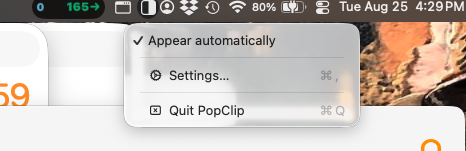
By dropdown, I mean the menubar’s dropdown at the top of the screen. It now looks like this:
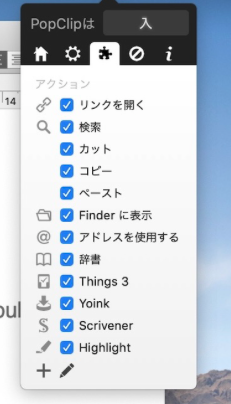
It used to look something like this (from an image pulled off an image search):
I understand that the interface looks different from recent development. But have you also removed access to the actions from the menuBar dropdown?
nick
August 25, 2026, 8:41pm
4
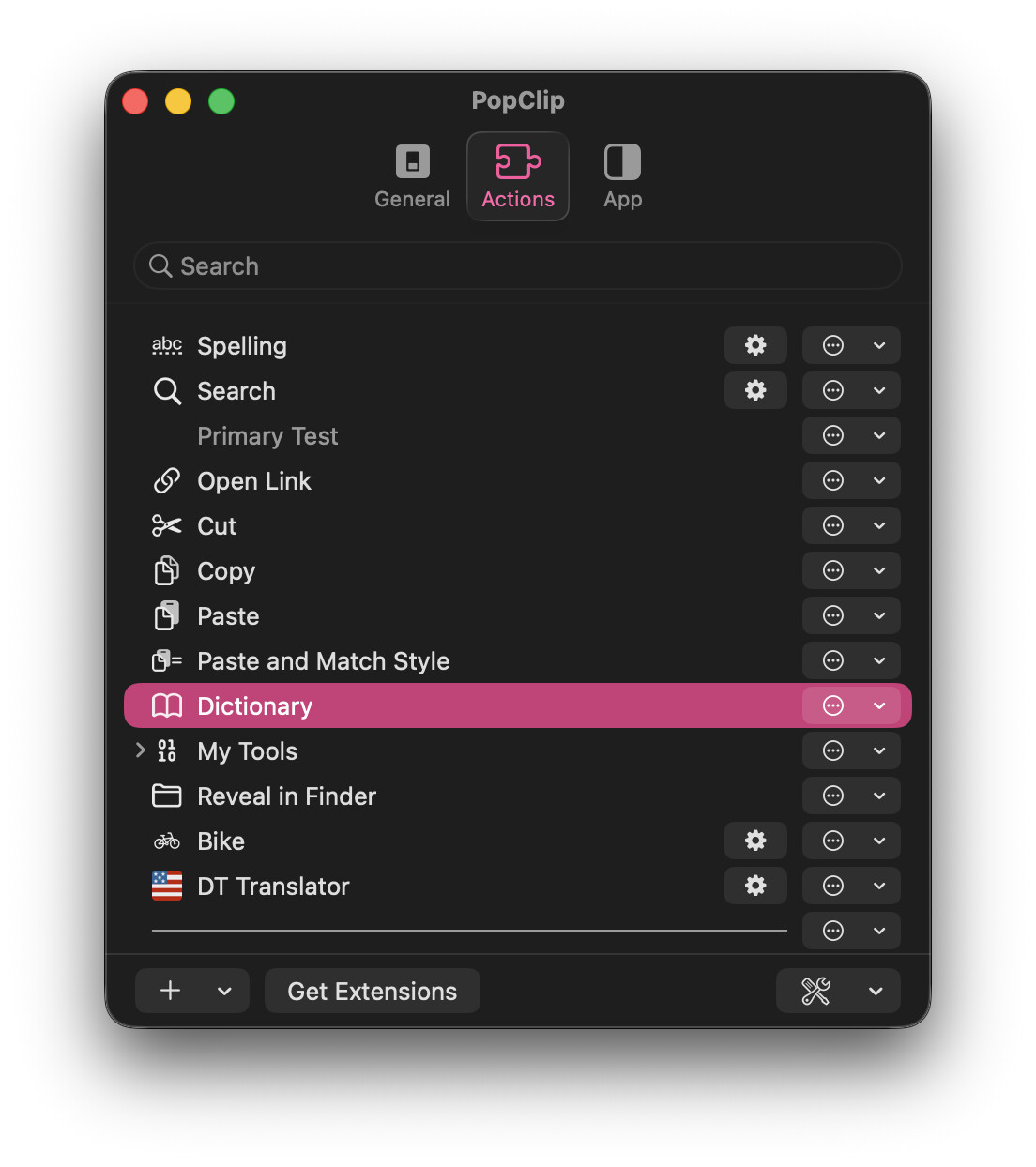
The actions are now listed in Settings… , in the Actions tab: