Please use this thread to report any issues with the current PopClip betas.
Please keep it specific to feedback on the current betas rather than general ideas and feature requests. Those are welcome, but please use a different thread for that :
Please use this thread to report any issues with the current PopClip betas.
Please keep it specific to feedback on the current betas rather than general ideas and feature requests. Those are welcome, but please use a different thread for that :
Bug (still present in build 5903):
expected behaviour: string is deleted
actual behaviour: the extension is deleted from the underlying extension panel.
Good one, thanks!
(You can undo the deleted action with ⌘Z.)
Ok this is probably not bug, but when I use keyboard only, there is no ballon message informing about action (if I use mouse - the hoover appears when cursor is on action). Is it possible to display hoover also when action is selected by arrow keys?
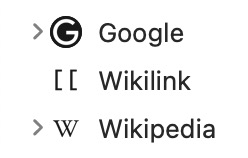
I’d like to propose a slightly more prominent arrow symbol to indicate items with subitems. It is perfect when looking at a small screenshot with just a few icons, but they are barely visible when scanning a long list.

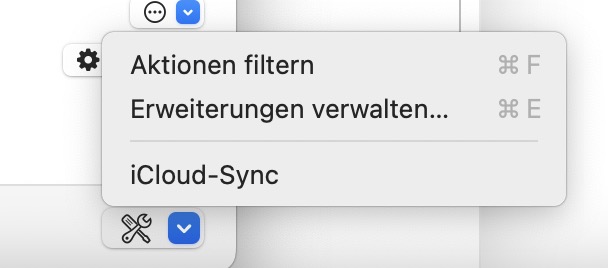
Right now, searching in the extension list work via the tool icon at the bottom → Action filtering (or something like this). Why not a search field at the top of the list or when pulling the list down?
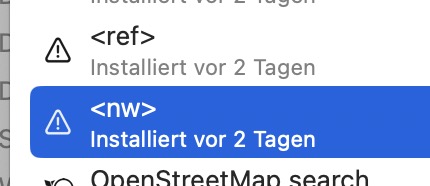
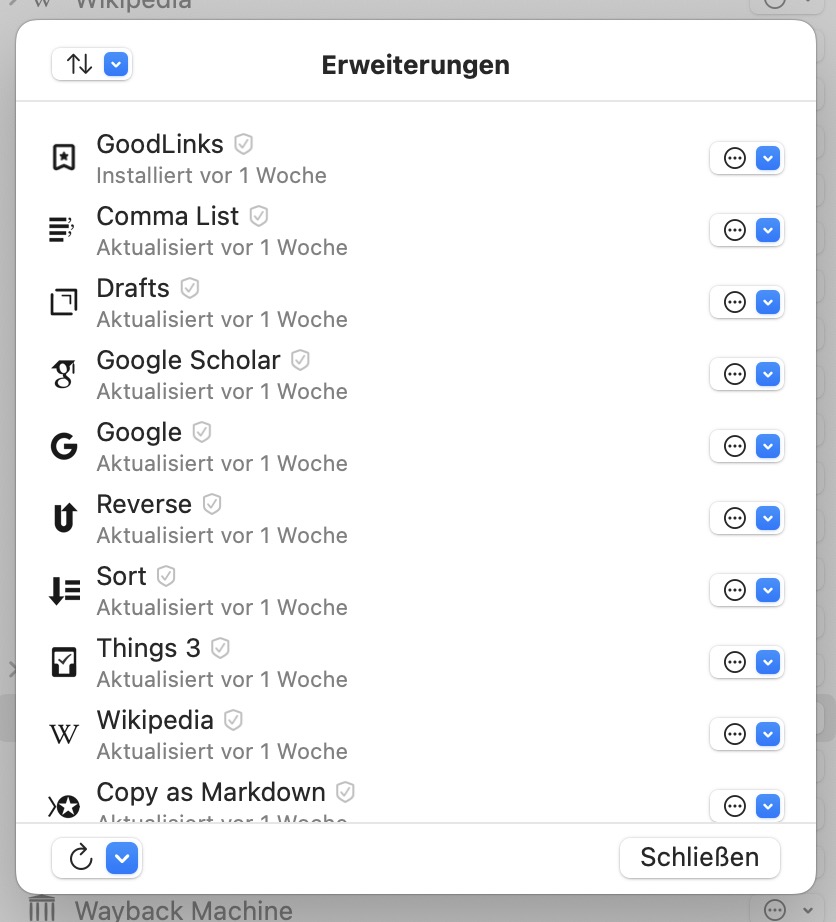
The extension management view (I still have to wrap my head around these new views and what they do) retains an icon that is not up to date anymore (but was 2 days ago). Intended?
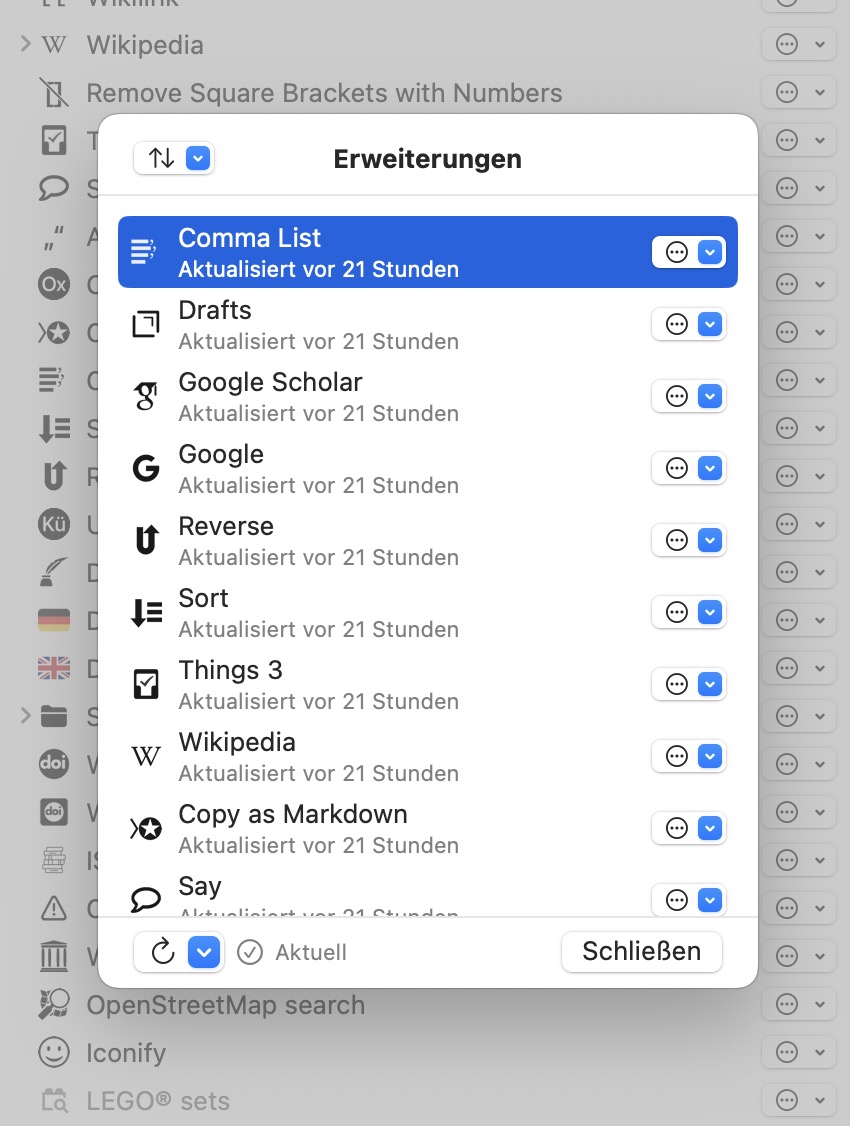
Is this view really necessary or couldn’t the update info be briefly appear when an update is triggered from the main extension list (currently not implement)? Right now I am a little confused about two different management layers (you certainly had good reasons fot this) and what they can do.
The difference is in the concepts of Actions and Extensions.
Until now, there has been a one-to-one correspondence between extensions installed and actions in the PopClip bar.
With this version, an extension can now have more than one instance. One Extension → many Actions.
For example, you can duplicate the search action, change its icon to an Amazon icon, change the URL, and now you have an Amazon search action. Just like we have been doing up till now with custom extensions and snippets, now it can be done within PopClip with no coding.
Or you could have several different instances of the Instant Translate extension, each with a different target language.
Another example could be the bit.ly Shorten extension. Perhaps somebody has two different bit.ly accounts for different purposes (work and personal maybe). They can have two instances of the extension signed in to different accounts, with different icons/titles.
This separation of Actions from Extensions means there are two layers of management:
That is why I have a separate Manage Extensions view: one entry for each extension, no matter how many action instances are derived from it.
When an extension is updated, all actions derived from it will use the same updated underlying extension. So having an update button on the actions list wouldn’t really make sense. That’s why I put it on the extensions list. Extensions are updated, but actions are not.
The other purpose of the extensions management list is to have somewhere for the built-in extensions to live permanently so they can be resurrected in case the user deletes theit corresponding action. For example, if the user deletes the dictionary action and later wants it back, they can go to the extensions list, find it there, and create a new instance.
(Please excuse my lack of documentation at this point. I wanted to get the beta out for initial feedback. An amended user guide and developer documentation will follow to accompany the production release.)
I really like your Pro/Standard licensing model. I wish more apps would adopt it. Once money isn’t so tight around here ( ), I will be purchasing the upgrade.
Pro? I thought the licenses were Standard or Lifetime.
I’ve spent the last half hour poking around the website and examining my settings and receipts, which brings up a different question: I started out with the MAS version, and purchased the discounted standalone in 2024 for $8.50 (50% off). In the app, it just tells me I have a Standalone edition. Going from that and from the price, I’m guessing this is not the Lifetime edition? I’ll definitely upgrade if so.
On the other hand, I don’t see any “upgrade” option in my app settings as described on PopClip Beta under Build 5898.
I want to give Nick more money!
If you have a license key but aren’t seeing an upgrade offer then you already have a lifetime license. (There was a period in 2023 and 2024 when the license keys didn’t actually say “Lifetime License” on them, but they are treated the same.)
How to tell if your license key is lifetime. If it is bought in 2023 or later and has no expiry date (shown as Updates until: in the License Details) it is a lifetime license.
I’ll try an find a reason for you to give me more money at some point 
This is now fixed in Beta 5936
This is added in Beta 5936
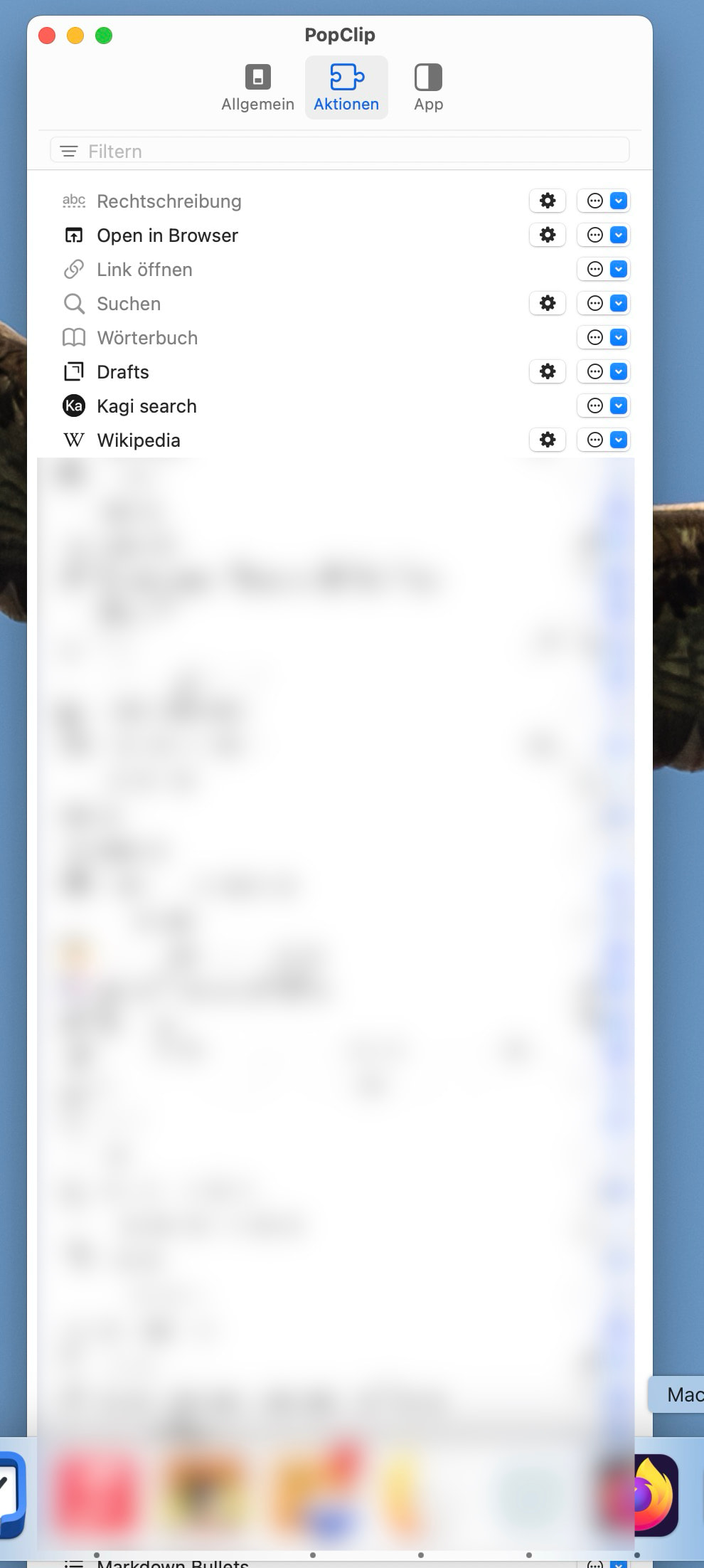
Switching to the action panel with a long list of actions hides the bottom of the panel at the lower end of the screen (build 5977). While I can move the window upwards, I can’t restrict its vertical height to make it fit the screen (without moving it upwards). The extension (Erweiterungen) window on the other hand would benefit from being heigher, but enlarging it doesn’t seem possible. I would like to have a search/filter option here at the top of the view.
Thank you for reporting this!
Does pressing the green button in the title bar causes it to shrink to the correct size?
p.s. Beta 5988 is now available.
Pressing the green button moves the whole window up so it exactly stays between menu bar and dock.
I’m using the Setapp version with latest update.In Actions tab there is no handle as a visual clue to ‘grab’ the app. However, app can be moved up or down simply by placing cursor on the app name. Also, notes say there is going to be a spacer in the display bar, but I don’t see any place to do either enable it or do it.
Thank you for your feedback. That’s interesting about the handle. Yes, I did remove the visual handle! I thought that now the rows are selectable, that would act as a hint that they are also movable. A good reminder that may be useful still.
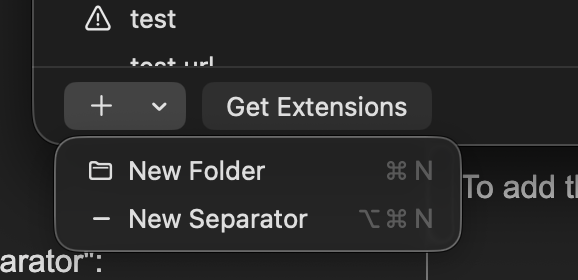
To add the spacer, click the “+” menu at the bottom and the “New Separator”: