Hi @nick, I have noticed a strange change in the last couple of weeks/months with Popclip:
When I open PopClip on a misspelled word (either by mouse-selecting the word or by my keyboard shortcut for the already selected word), PopClip opens most of the time with its action bar:
In the past (i’m pretty sure) Popclip opened, in the case it had spelling suggestions, with these visible straight away without the need to click the down arrow first. – This is a lot more convenient.
Hi, thanks for reporting this. The behaviour you are seeing is some kind of glitch or bug because nothing has been changed on purpose. It is supposed to go immediately to the spelling suggestions. I have to scratch my head and think for a bit as to why this may be happening.
Have you noticed any patterns when this happens? For example, does it happen in a particular app and work OK in other apps, or is it universally not working everywhere?
See if you can notice any reliably re-creatable situation.
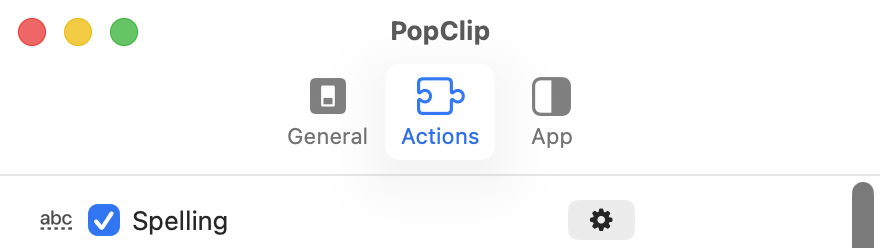
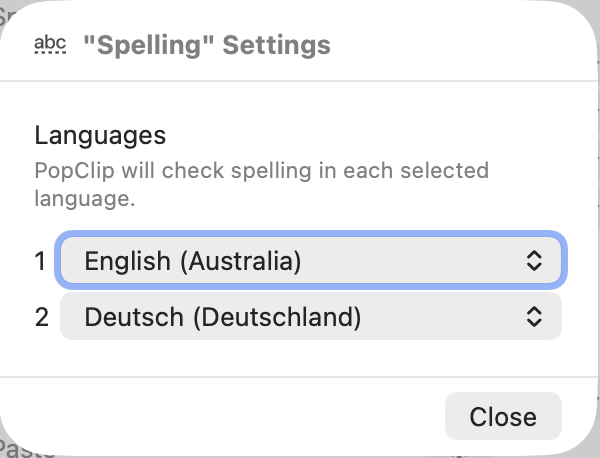
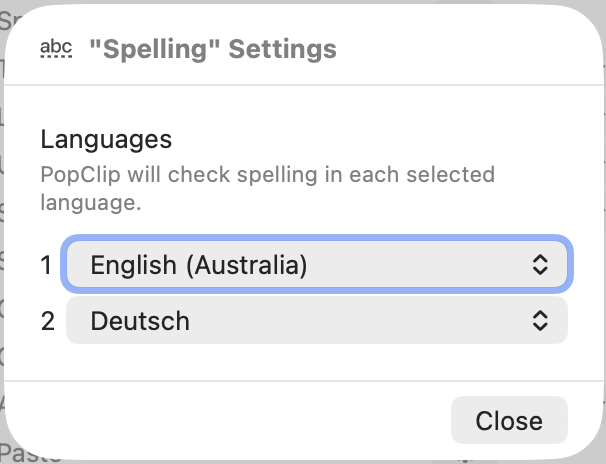
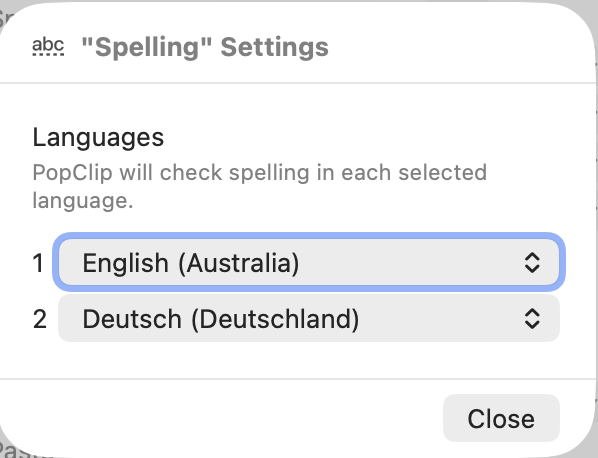
Can you tell me what settings you have for spelling - what language or languages is it set to?
I think it might be to do with having the two different languages, but I tried these same settings as well, and it’s working normally for me.
Now what should actually happen is if there are suggestions in one language but it is correctly spelled in another, you’ll see the ABC button; it will only show spelling suggestions directly if it is not correctly spelled in the other language.
For example word “but” has suggestions (gut bus tus bit) in German but because’ it’s a correct word in en, the suggestions are suppressed. So that’s how it’s supposed to work.
But if it’s not correctly spelled in any of the languages, then you should get the suggestions immediately.
As a test, could you try removing one of the two languages temporarily and see if it changes the behaviour for you?
And somehow now it works again - with both languages (English/Deutsch) and in both variants (Deutsch & Deutsch(Deutschland))!
Still don’t know really why it didn’t work before. (And I am a tiny little bit disappointed that NIck – who normally is extremely responsive and helpful – here just got quiet on the issue… But, hey, I guess he didn’t have any more ideas to bring forward…)
Hey! Thanks for the update on this! Sorry for the lack of further response. As you guessed, I didn’t have any more ideas. I’m afraid I’ve also been somewhat busy and distracted.